01 / IMPORT
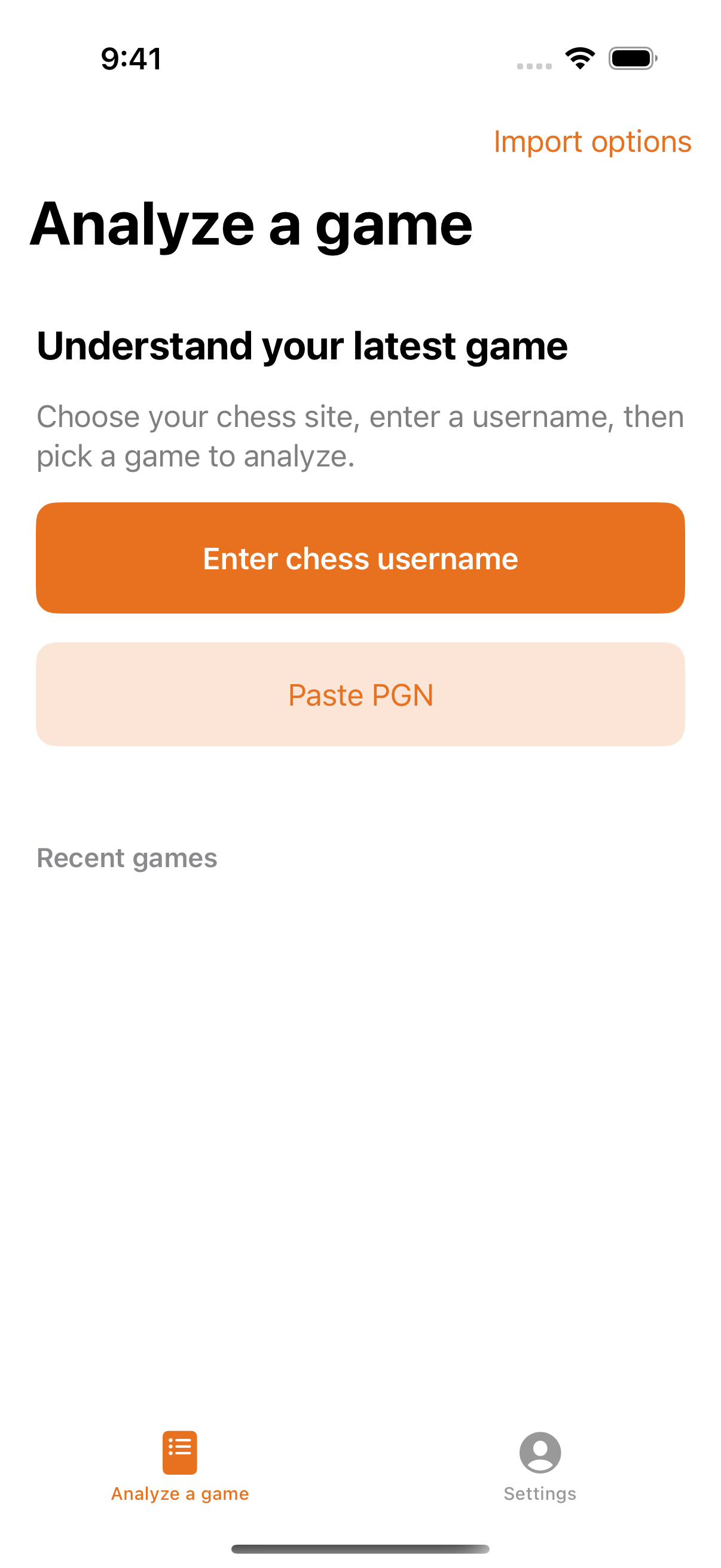
Start with your game.
Choose a game in the app from a supported chess site or game notation.
ROOKIE LAB · CHESS GAME REVIEW
Bring in a chess game, review its moves and explanations, and explore your choices.
Available for iPhone. The Android app is in closed testing.
INSIDE ROOKIE LAB
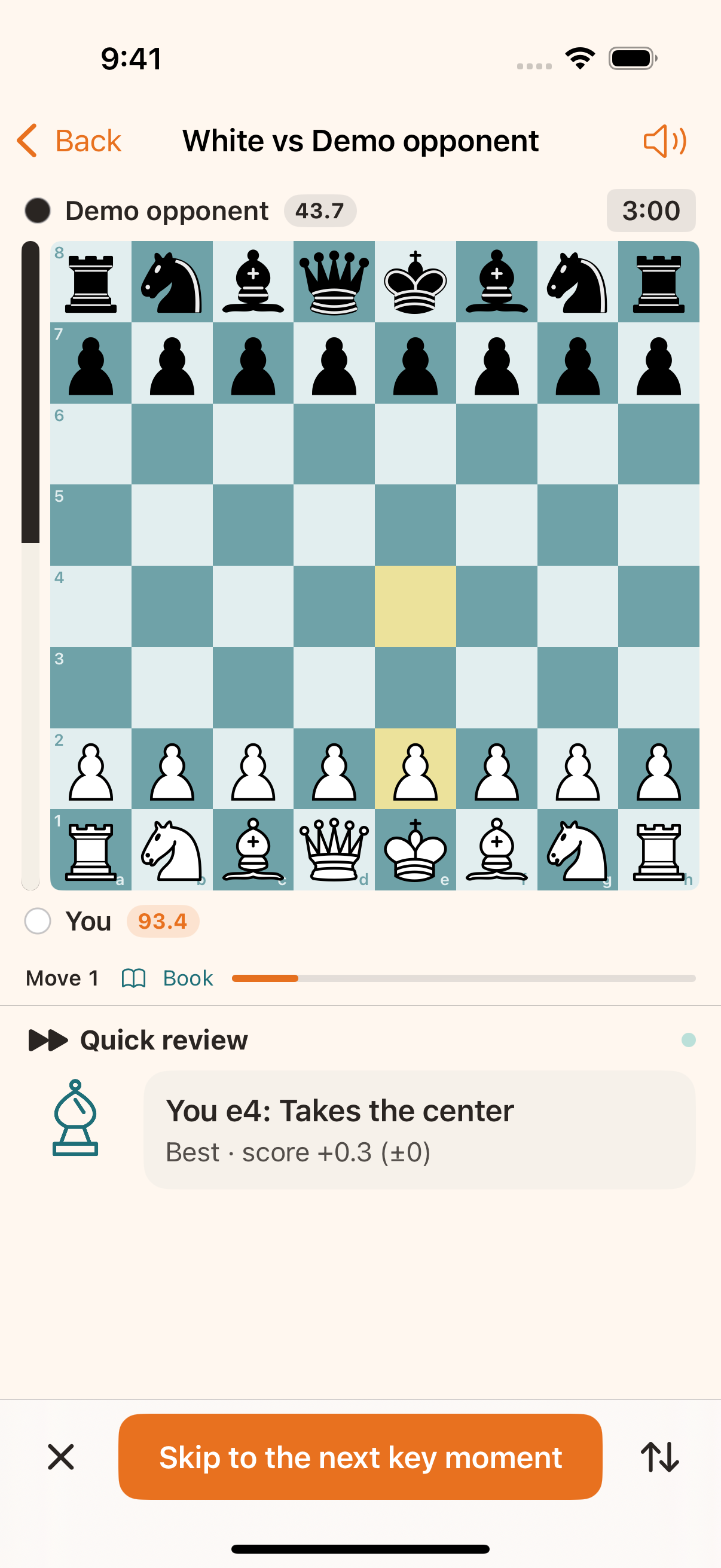
Bring a game into the app and revisit it move by move, with explanations alongside the board.
Choose a game in the app from a supported chess site or game notation.
Follow the board to understand a move and its continuation.
Captured from the iOS beta. The store version may look slightly different.
Choose a game in the app from a supported chess site or game notation.
Follow the board to understand a move and its continuation.
Go move by move and revisit the moments worth another look.
GET STARTED
Download the app, then bring in a game there. Entry points may vary by version; follow the version you install.
Use the app to analyze your games. The website offers product information, actual app screenshots, articles and a guide.
This change does not erase your browser data. Export a backup in the original browser; not all backup data can be imported into the app.
Export browser data →